 eveofdarkness.org
Screenshots
The client's progress, milestone by milestone, newest first. Each milestone on the roadmap is marked done with the screenshot that shows it, plus any taken along the way. Click a picture for the full size.
next M7 The world and its inhabitants render as DAoC: What you walk through, and who you see, looks like DAoC — not placeholders.
-
M6 Talk
Done . You can communicate.
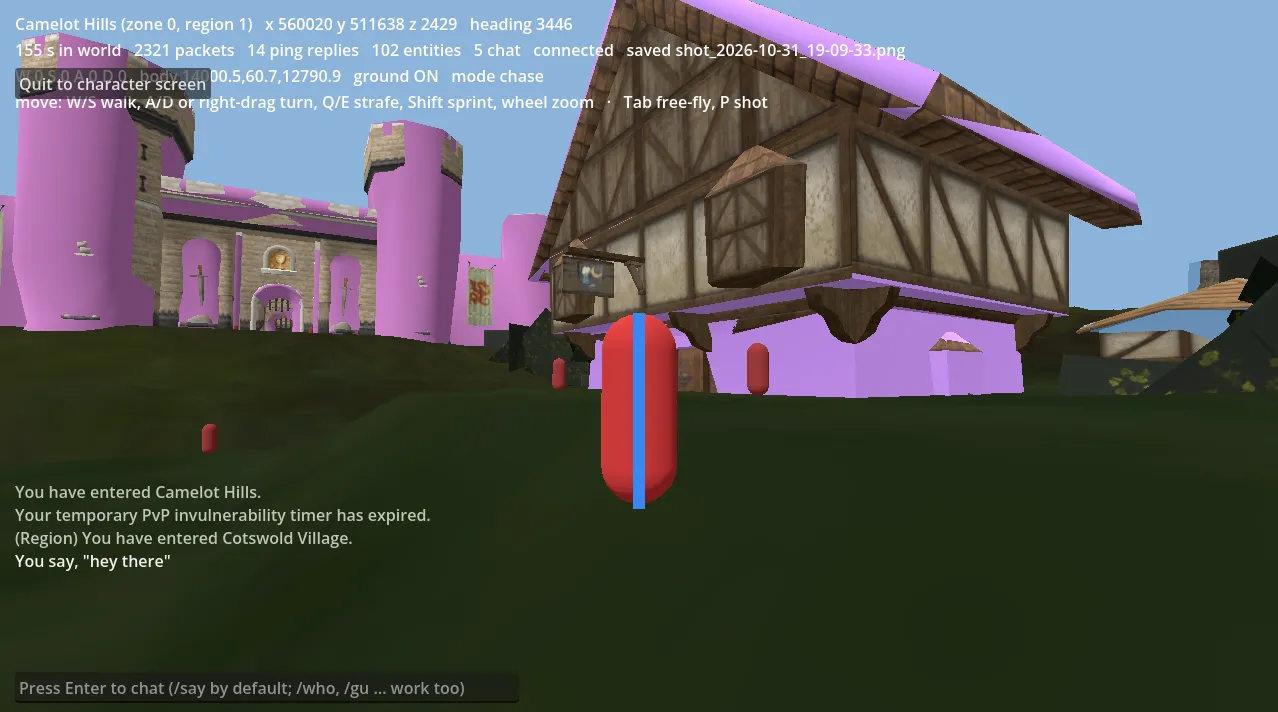
. Chat in Cotswold. The server's zone and region messages, and a /say echoed back. NPCs are still stand-in capsules, and the pink surfaces are a rendering problem still being fixed. -
M5 The world is alive
Done . Other players and NPCs appear and move.
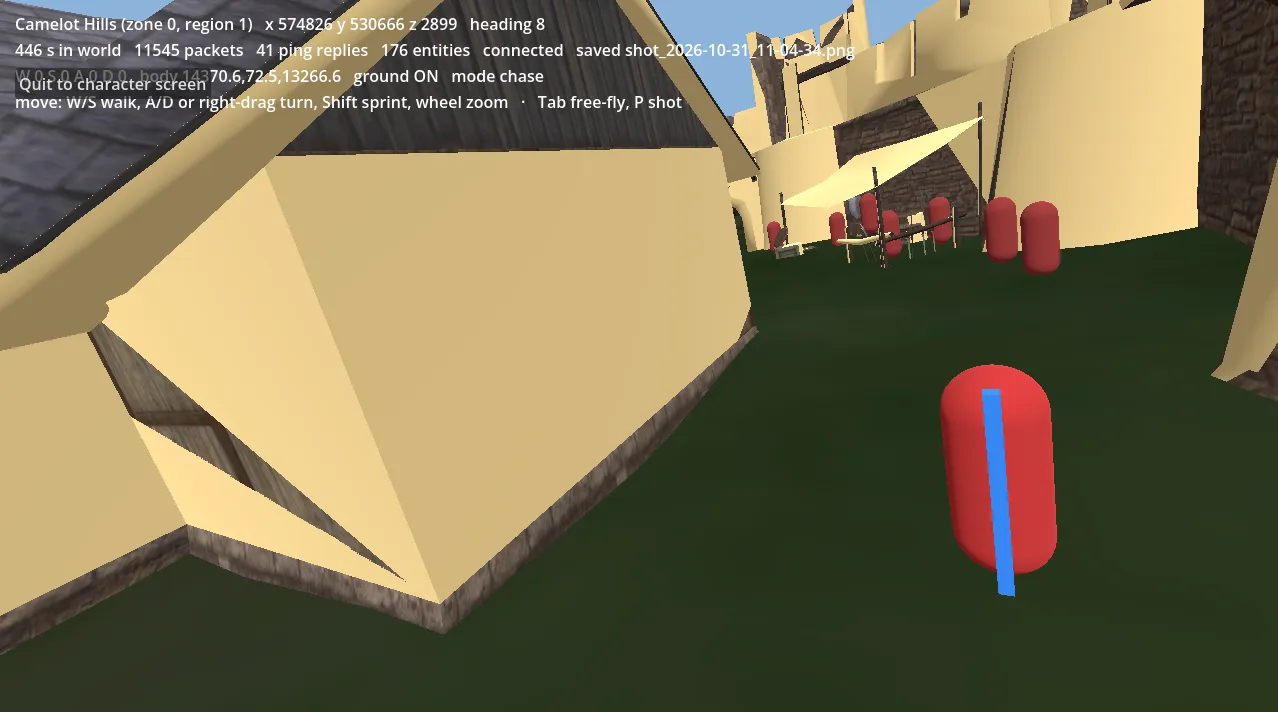
. NPCs in Cotswold, still stand-in capsules, placed and moved by the server's updates. -
M4 The player moves
Done
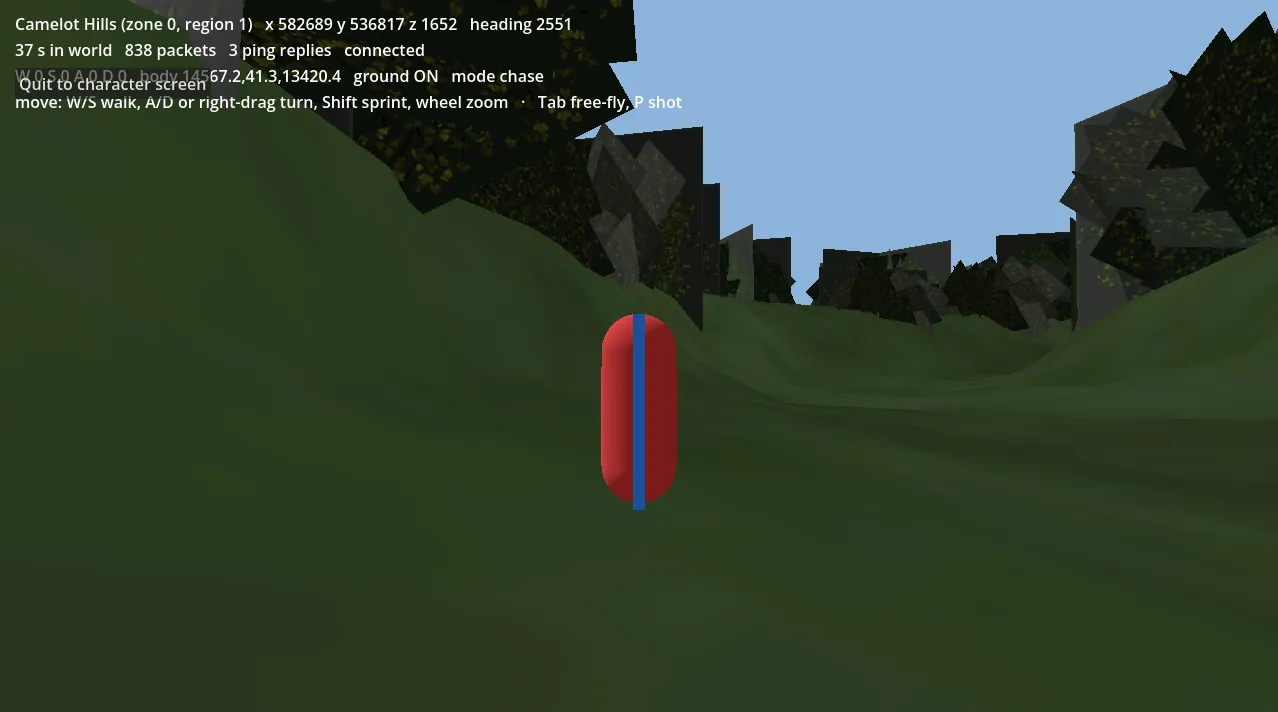
. Walking up a slope with the camera following; the server accepts the movement. 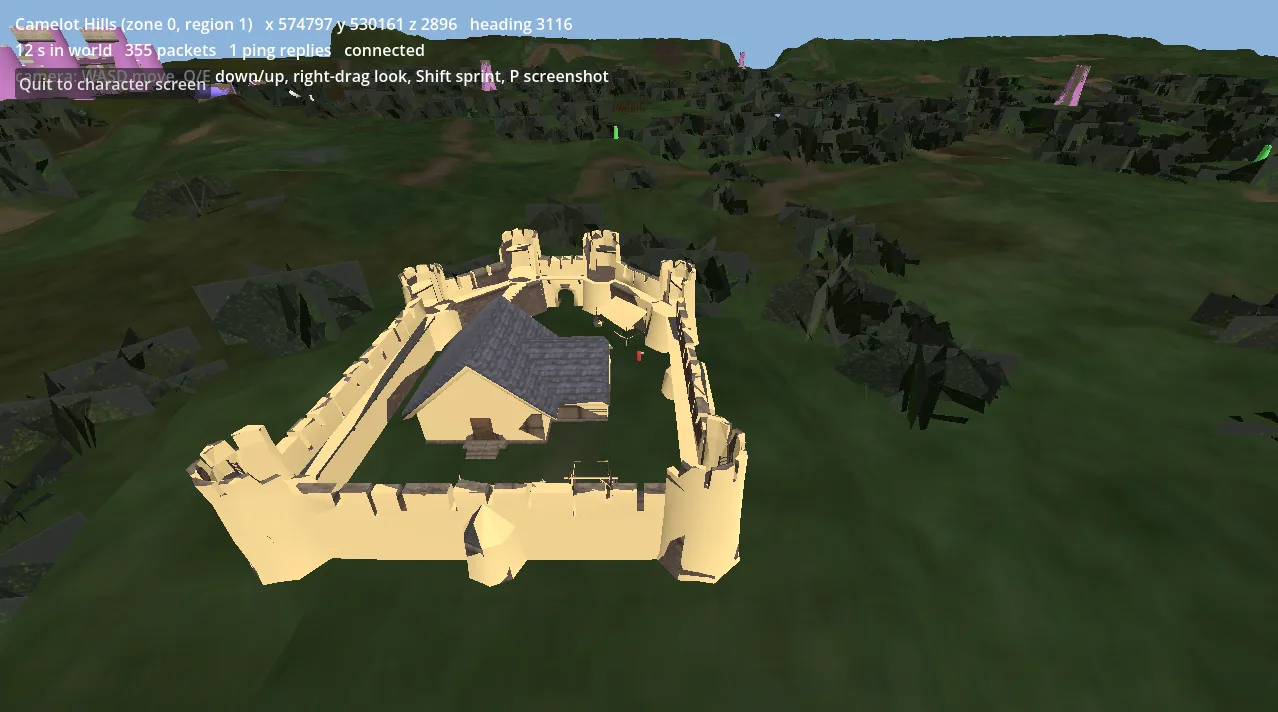
. The keep at its true size, with the player in its courtyard. -
M3 Static asset pipeline
Done
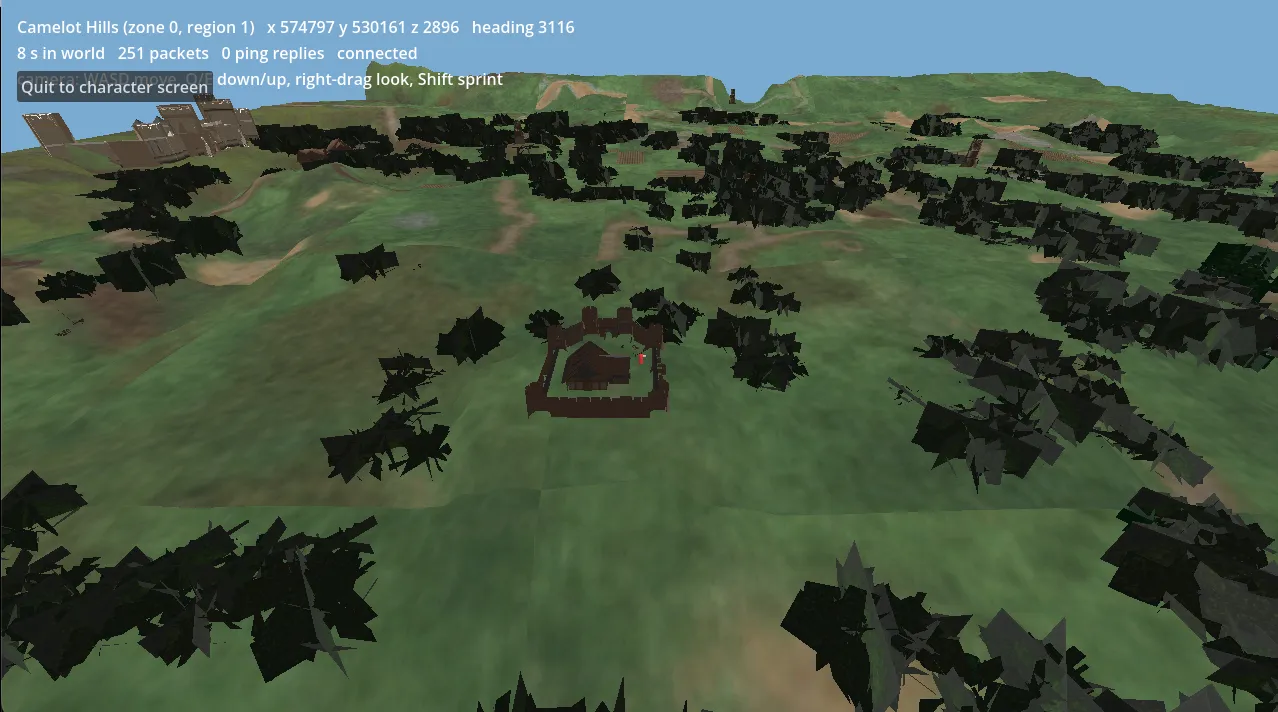
. Cotswold and its keep at the right scale for the first time. The trees still render black. 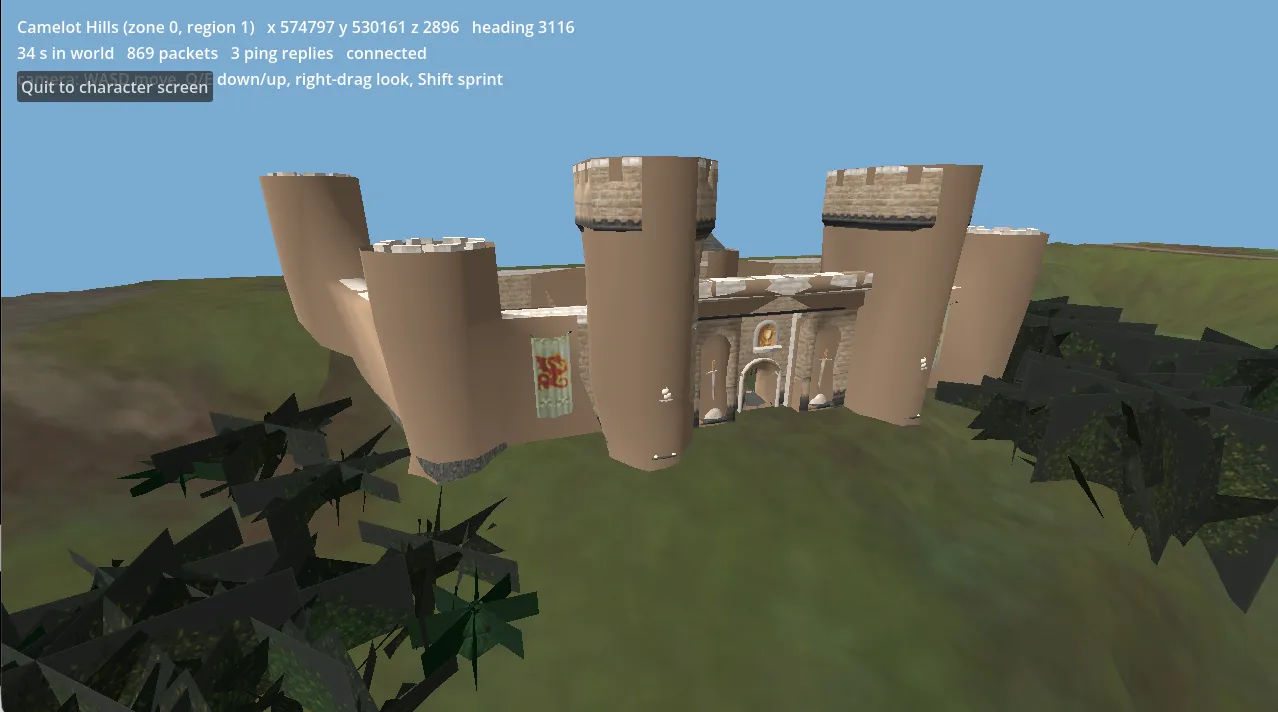
. The keep, solid; its towers are still untextured. 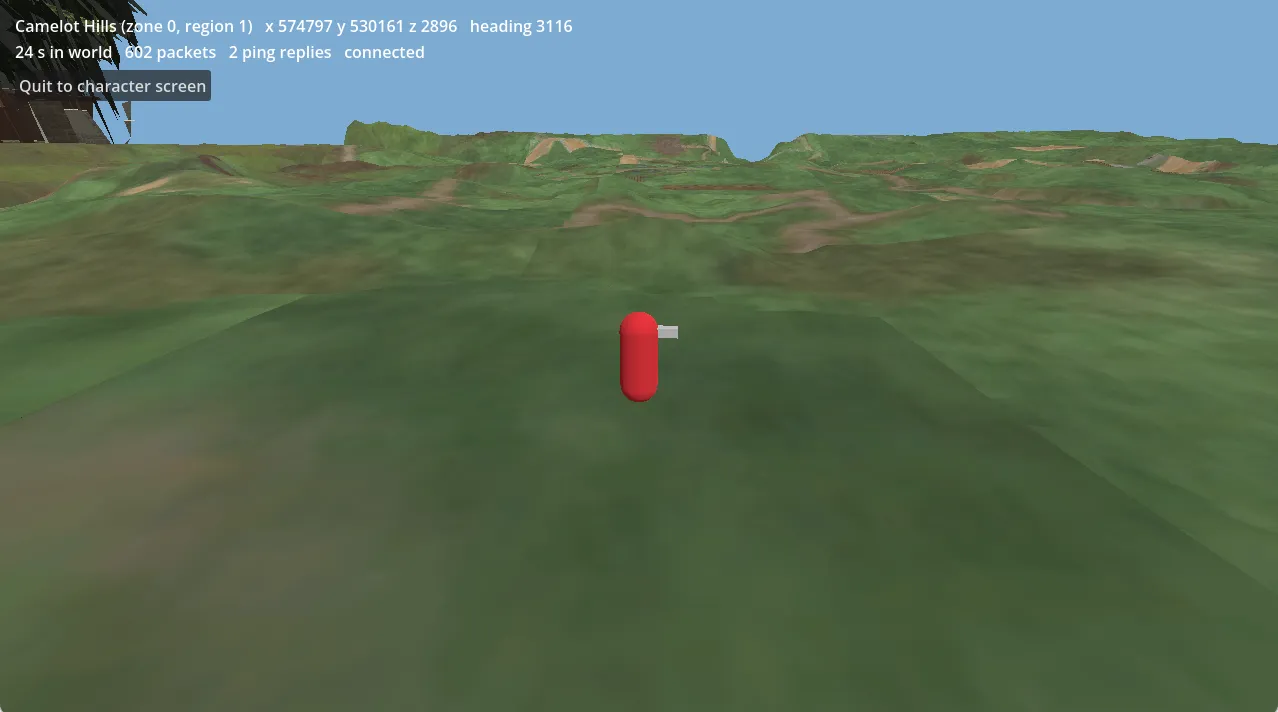
. Textured ground under the player, still a capsule. -
M2 Enter the world and stay
Done
No screenshot.
-
M1 Login through the character screen
Done
No screenshot.
-
M0 Protocol foundation
Done
No screenshot.